Tenant experience
A 30-second QR/web report replaces the phone call plus the call-back for the details the tenant forgot to mention. Structured reports with photos arrive triage-ready — front-desk interruptions drop and nothing depends on whoever answered the phone taking good notes. Indicative figures; every portfolio differs.
Tenants don't want another portal. They don't want another login. They want their leaking shower fixed, and they want to know what's happening. PMFriend's tenant-facing surface is built around that.
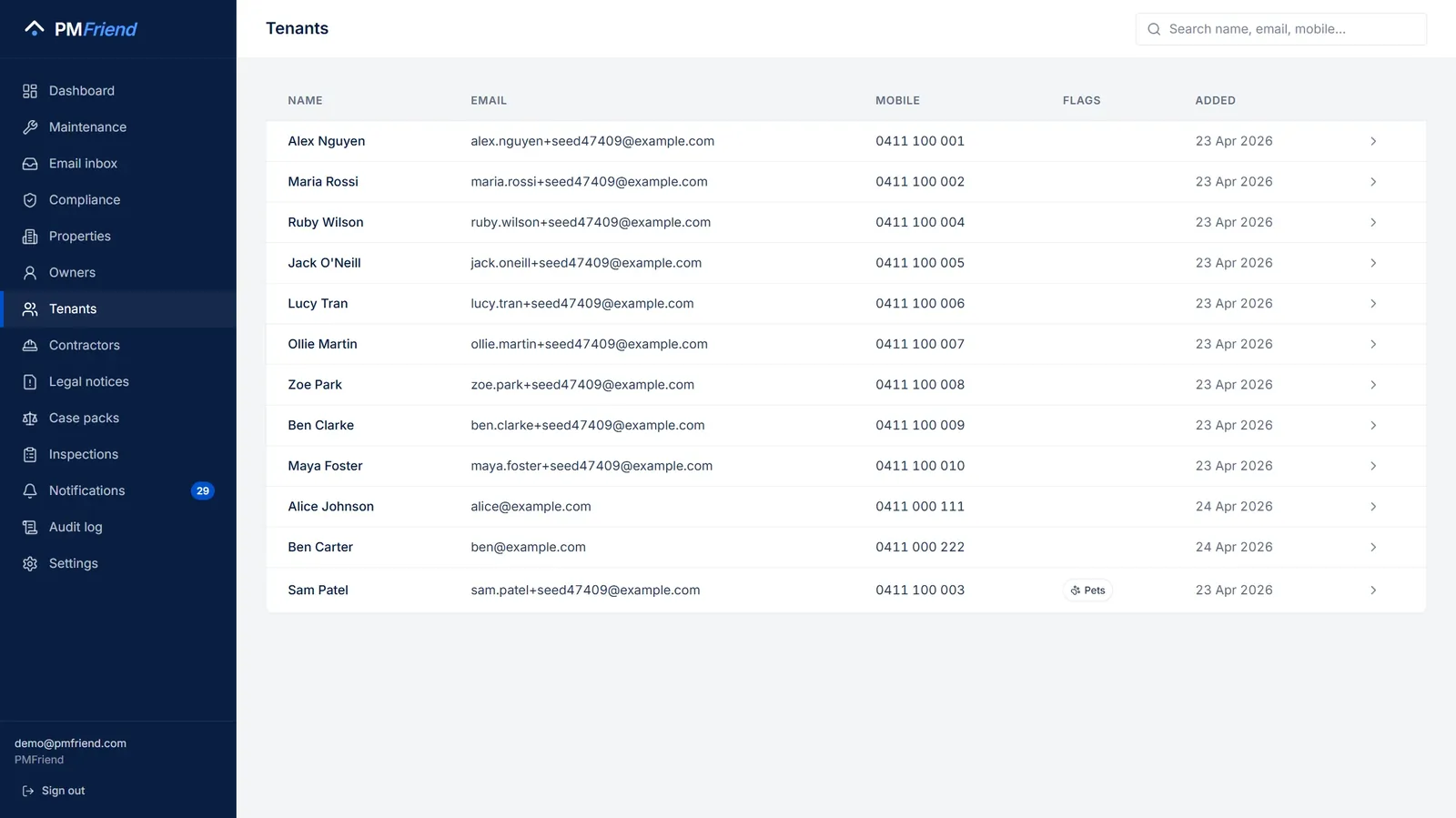 Where to find it: sidebar → Tenants. Incoming reports match to these records automatically — by email, and in Qatar by WhatsApp number too.
Three submission channels
A tenant can report an issue three ways:
1. The web form (most common)
Each property gets a unique URL like pmfriend.com/r/<token> that's:
- Tied to the property (no need for the tenant to type their address)
- No login required
- Mobile-friendly (single-page form, big touch targets)
You hand the URL out by:
- Fridge sticker — print a magnet, stick it to the fridge during move-in. The tenant always knows where to find it.
- QR code in the welcome pack
- Bookmark on their phone — included in the new-lease email
2. The tenant app (coming soon)
A dedicated tenant mobile app is on the roadmap — it'll cover the same report flow plus inspection scheduling and rent receipt access.
3. Manual entry by the PM
Tenant calls. Your PM types it in. One field, two sentences, hit submit. The AI triages it the same way as a tenant-submitted form, because to the system it's just text.
What the tenant sees
When a tenant submits via the web form:
- They see a 3-question form: "What's the problem?", "How urgent?", "Photo (optional)".
- They submit. The form thanks them and shows a reference code.
- (Coming soon: status updates by SMS or email — "your plumber's been booked", "the work is complete".)
What they don't see:
- Other tenants' issues
- The agency's internal data
- Anything that requires authentication
The submission token is single-use for that property — it identifies which property without identifying the tenant. The PM associates the report with the right tenant when triaging.
Real-life example
Mei Chen at 56 Oxford St scans the QR code on her fridge. She types: "Hot water stopped working this morning, cold shower again". Adds a photo of the unit. Hits submit.
Sarah (the PM) sees it land in the maintenance inbox 4 seconds later, with the AI suggesting PLUMBING / URGENT + likely cause "hot water unit failure" + suggested action "dispatch plumber within 24h".
Sarah accepts, picks Watertight, sends. Within 30 minutes the contractor's accepted the magic-link and is en route. Mei gets a text update. Total elapsed time from her submission to dispatched plumber: ~12 minutes.
Privacy posture
PMFriend handles tenant data with the standard the Australian Privacy Principles require:
- Tenants don't see other tenants' data. Ever. Each property's submission flow is isolated.
- Tenants can request what we hold about them. Email
support@pmfriend.com; we extract their data within 30 days. - Tenants can request deletion at lease end. Subject to statutory retention — in Australia each state's agents legislation sets its own period, from three years in NSW to seven in Victoria — anything we're legally required to retain stays, the rest is deleted.
- AI processing is descriptive only. When the AI reads a tenant's report text to suggest a category, it sees only the report text — not their name, address, or contact details. (See AI safety + fallbacks for the detail.)